
You do not need a disc — or even a console sitting in front of you — to play GTA 6. As of launch week, two official cloud streaming paths exist: PlayStation Plus Premium for PS5 and PlayStation Portal users, and Xbox Cloud Gaming for Xbox console owners. Both are live right now. Neither is a workaround or a hack. Here is exactly how they work, what they cost, and where the limits are.
The Two Official Cloud Routes at a Glance
| Feature | PlayStation (PS Plus Premium) | Xbox Cloud Gaming |
|---|---|---|
| Supported devices | PlayStation 5, PlayStation Portal | Xbox Series X|S, Xbox One |
| PC / mobile / smart TV | Not supported at launch | Blocked for GTA 6 at launch |
| Subscription required | PS Plus Premium | Xbox Game Pass (tier-dependent) |
| Game ownership required | Yes — digital copy | Yes — digital copy |
| Streaming hours | Unlimited (Premium) | Capped by Game Pass tier |
| Graphics target | PS5 quality, up to 4K on PS5 / 1080p on Portal | Xbox Series S settings |
Both platforms require you to own a digital copy of GTA 6. Cloud streaming is a delivery method, not a free pass. Buy the game first, then stream it.
PlayStation: PS Plus Premium + PS5 or Portal
What you actually need
- A PlayStation Plus Premium subscription (the top tier — Extra does not include cloud streaming)
- A digital copy of GTA 6 on your PSN account
- A PS5 or a PlayStation Portal as your playback device
Once you have all three, navigate to GTA 6 in your PS5 library and select the cloud streaming option. Sony pushes the stream from its own servers — your console is the display terminal, not the compute unit. That matters: even a PS5 with a full drive can stream GTA 6 without a local install.
How does it look on a PS5?
Streaming to a PS5 targets PS5-quality graphics, up to 4K. In practice, the ceiling you hit is your internet connection, not Sony's hardware. A stable 25 Mbps+ connection is the floor for a clean 1080p stream; 4K output wants more. Sony has not published a hard minimum for GTA 6 specifically — treat any sub-50 Mbps connection as a risk for 4K.
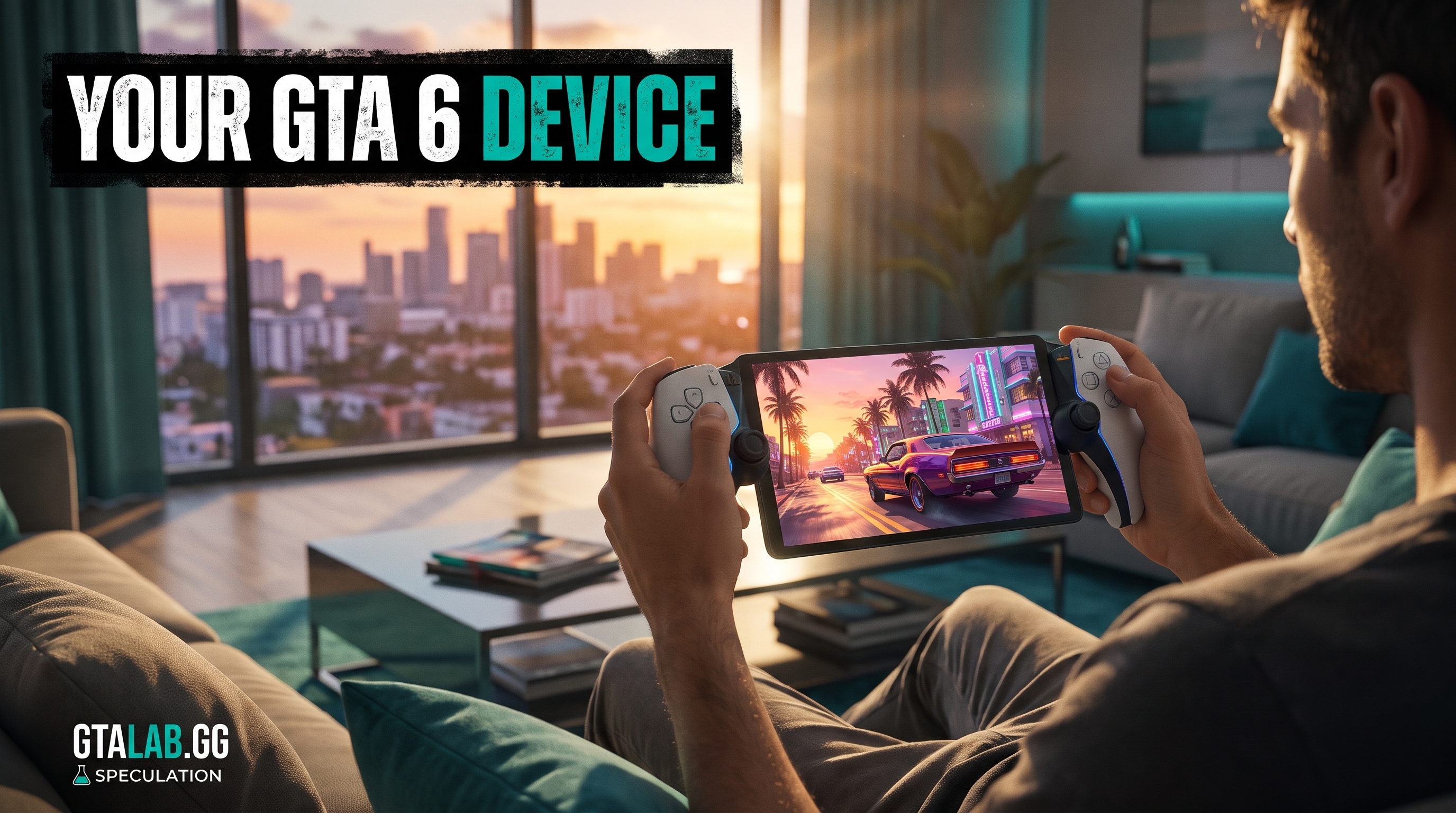
What about the PlayStation Portal?
The PlayStation Portal has two streaming modes: Remote Play (relays through your own PS5 at home) and PS Plus Premium cloud streaming (connects directly to Sony's servers). Both work for GTA 6.
Cloud streaming on the Portal caps at 1080p, which fits the Portal's 8-inch 1080p screen perfectly. If you use Remote Play mode instead, the quality ceiling is whatever your home PS5 can push — but you need a PS5 powered on and connected. Cloud streaming removes that dependency entirely.
The Portal does not support Quest 2/3 or any Android/iOS device at launch. It is a Portal-and-PS5 situation only.
How much does PS Plus Premium cost?
PS Plus Premium runs approximately $27 more per year than PS Plus Essential — exact pricing varies by region and whether you upgrade mid-cycle. If you are already on Essential or Extra, you pay the difference to upgrade. You also get a rotating library of free games, so the cloud streaming add-on is not the only return on that spend.
Xbox: Xbox Cloud Gaming on Xbox Consoles
What you actually need
- An Xbox Series X|S or Xbox One
- An active Xbox Game Pass subscription at the tier that includes cloud hours
- A digital copy of GTA 6 on your Xbox account
Microsoft published its own setup guide the same day Sony confirmed PlayStation cloud support. The process is straightforward from the Xbox dashboard — select GTA 6, choose the cloud play option, and the stream begins.
Series S graphics — is that a problem?
Xbox Cloud Gaming streams GTA 6 at Xbox Series S graphics settings, regardless of whether you are playing on a Series X. This is confirmed. The Series S targets 1440p/60 on native installs, but cloud GTA 6 may land lower depending on server load. If hitting maximum visual fidelity matters to you, a local install on a Series X is the better call.
For Xbox One owners, this is actually an upgrade: GTA 6 does not have a native Xbox One version. Cloud streaming is the only way to play GTA 6 on an Xbox One at all.
The hour cap — what does it mean in practice?
Xbox Game Pass tiers allocate a set number of cloud gaming hours per month. Microsoft has not disclosed the exact GTA 6-specific cap figure publicly; the allotment comes out of your general cloud gaming allowance. Heavy players who plan extended sessions should monitor their monthly usage. If the cap is a concern, a local install on an Xbox Series X|S sidesteps it entirely.
PC, phone, and smart TV — blocked at launch
This is the part that trips people up. Xbox Cloud Gaming normally supports PC browsers, phones, and smart TVs. GTA 6 is blocked on all of those at launch. Only Xbox consoles (Series X|S and One) are authorized for cloud play. Microsoft has not announced a timeline for expanding to other devices.
GTA 6 Remote Play: PS5 → Portal (and Other Devices)
Remote Play is distinct from cloud streaming. It routes your PS5's output over the internet to another device — the PS5 at home does the heavy lifting. GTA 6 supports PS5 Remote Play to:
- PlayStation Portal (dedicated hardware, lowest latency)
- PS5 second-screen scenarios
- Other devices via the PlayStation Remote Play app (PC, Mac, iOS, Android — standard Sony support)
The critical difference: Remote Play requires your own PS5 to be on and connected. Cloud streaming (Premium) does not. If your home internet drops or the PS5 is off, Remote Play fails. Cloud streaming keeps working.
For latency-sensitive play — car chases, shootouts — the Portal via Remote Play over a solid home Wi-Fi connection will generally feel tighter than cloud streaming. Cloud streaming adds a server hop. That said, most players will not notice on a 50 Mbps+ connection.
Which Option Is Right for You?
| Your situation | Best option |
|---|---|
| Have a PS5, want to play on the go on a Portal | PS Plus Premium cloud streaming (no PS5 required at home) or Remote Play (PS5 must be on) |
| Have an Xbox One, want to play GTA 6 at all | Xbox Cloud Gaming — it is your only option |
| Have a Series X|S, want best visuals | Local install beats cloud (Series X graphics, no hour cap) |
| Want to play on a PC or phone right now | No official path exists at launch — wait for updates |
| On PS Plus Extra, wondering if cloud works | No — upgrade to Premium for cloud streaming |
What Is Confirmed vs. What to Watch
Confirmed: PS Plus Premium cloud streaming on PS5 and Portal is live. Xbox Cloud Gaming on Xbox consoles is live. Both require game ownership. Xbox PC/mobile/TV cloud is blocked for GTA 6. Portal streams at 1080p. Xbox cloud streams at Series S settings.
Not yet confirmed (est.): Whether Microsoft will open Xbox Cloud to PC and mobile for GTA 6. Whether Sony will extend Premium cloud to iOS/Android Remote Play. Any upgrade to Series X graphics quality over Xbox Cloud. Exact Xbox cloud hour allotment for GTA 6.
Treat any headline claiming PC cloud play is live as unverified until Microsoft posts an official announcement. That path is closed as of launch week.
FAQ
Q. Can I play GTA 6 on a PlayStation Portal without owning a PS5? Yes — if you are a PS Plus Premium subscriber and own a digital copy of GTA 6, you can stream directly to the Portal via Sony's cloud servers. You do not need a PS5 at home powered on. The stream runs at 1080p, which matches the Portal's screen resolution.
Q. Does GTA 6 Xbox Cloud Gaming work on PC or phone? No, not at launch. Microsoft has restricted GTA 6 cloud streaming to Xbox consoles only — Series X|S and Xbox One. PC browsers, mobile devices, and smart TVs are blocked for GTA 6 specifically, even though Xbox Cloud Gaming supports those devices for other titles.
Q. Do I need to buy GTA 6 separately to use cloud streaming? Yes, on both platforms. Neither PS Plus Premium nor Xbox Game Pass includes GTA 6 in its game library — the cloud streaming feature only works if you have already purchased a digital copy of the game on your respective account.
Q. What is the visual quality difference between PlayStation and Xbox cloud streaming? PlayStation cloud targets PS5-quality graphics, up to 4K on a PS5 (network-dependent) and 1080p on the Portal. Xbox Cloud Gaming streams GTA 6 at Xbox Series S graphics settings, regardless of whether you play on a Series X. For the best visuals on Xbox, a local install on Series X is the better choice.
Q. Is GTA 6 Remote Play the same as cloud streaming? No. Remote Play routes your own PS5's output over the internet to another device — your PS5 must be on and connected. Cloud streaming (PS Plus Premium) connects to Sony's servers directly, so your PS5 can be off. Cloud streaming is more flexible for travel; Remote Play can feel lower-latency on a good home connection.