
The GTA 6 preload goes live on November 10, 2026 — nine days before the game launches on November 19. That window exists for one reason: so you can hit play the moment the game unlocks, instead of watching a progress bar while everyone else is already in Leonida. Here is everything confirmed so far, what is still estimated, and the exact steps to take right now.
Preload Start Date & Time: What's Confirmed
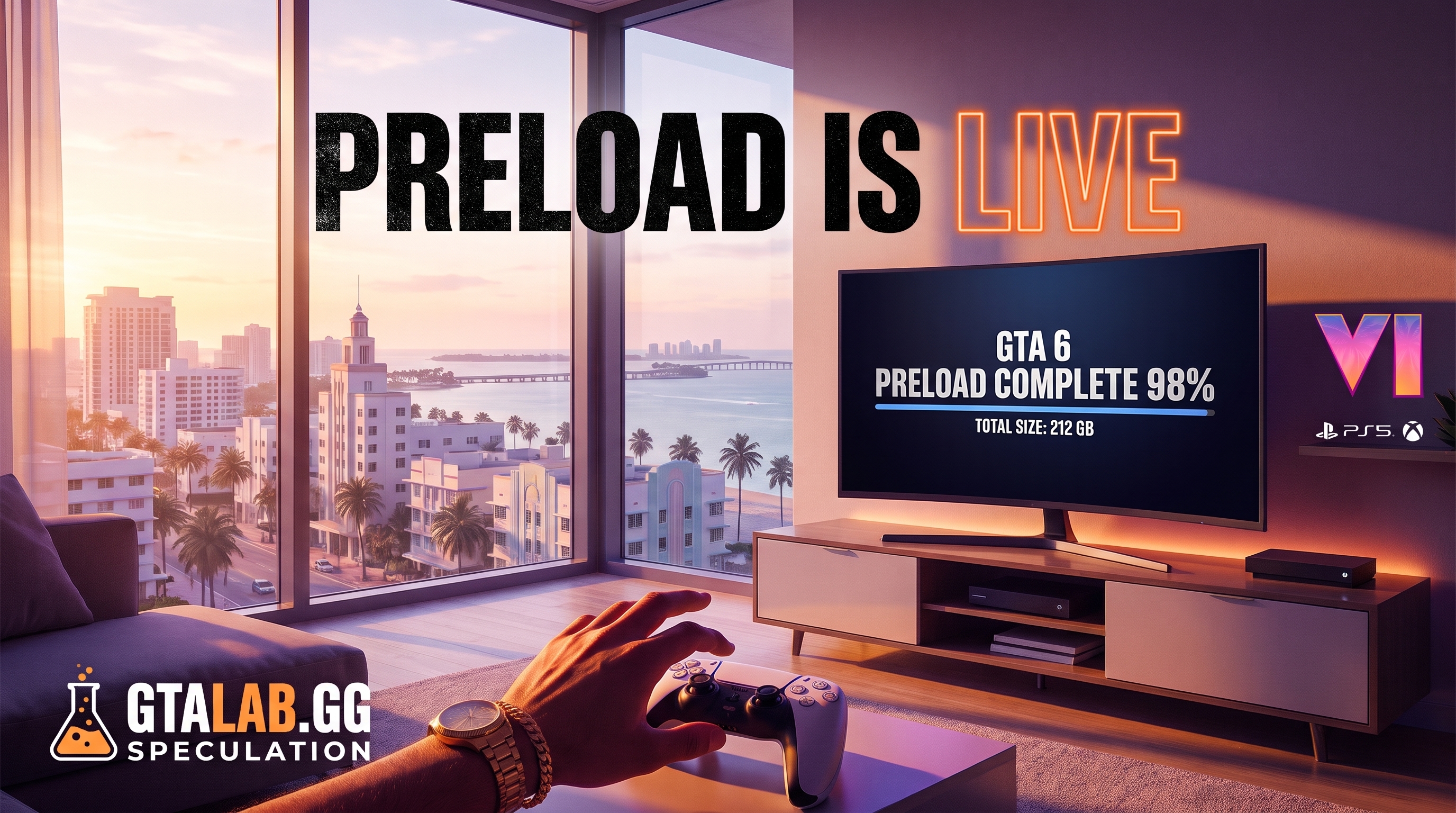
Rockstar and platform holders have confirmed a November 10 preload date across PS5 and Xbox Series X|S. The specific timing differs by platform:
- PS5: Midnight local time on November 10 — meaning the download becomes available at the stroke of midnight in your region, rolling territory by territory.
- Xbox Series X|S: Midnight GMT on November 10 — a single global timestamp rather than a rolling local unlock.
If you pre-ordered digitally, your console should queue the preload automatically the moment it becomes available. You do not need to do anything extra beyond owning the digital pre-order. Physical buyers, note: the retail box for GTA 6 contains a code, not a disc with full data. You will still need to redeem that code and download the game like everyone else — there is no install-from-disc shortcut this time.
GTA 6 File Size: How Much Space Do You Actually Need?
The confirmed GTA 6 download size is 212 GB. That number applies across both PS5 and Xbox Series X|S at launch.
To put that in context: Red Dead Redemption 2 shipped at roughly 112 GB. GTA 6 is nearly double that. This is not a figure to glance at and forget — it is a figure that will delete your entire Call of Duty installation if you are not paying attention.
| Platform | Confirmed Download Size | Internal SSD Capacity | Free Space After Install |
|---|---|---|---|
| PS5 (1 TB model) | 212 GB | ~667 GB usable | ~455 GB |
| PS5 (2 TB model) | 212 GB | ~1,800 GB usable | ~1,588 GB |
| Xbox Series X (1 TB) | 212 GB | ~802 GB usable | ~590 GB |
| Xbox Series S (512 GB) | 212 GB | ~364 GB usable | ~152 GB |
Usable space figures are approximate after system reservation. Xbox Series S owners have the tightest margin — 152 GB of breathing room is not a lot once saves and other titles are factored in.
Does Day-One Patch Size Change Things?
Almost certainly, yes — but the exact number is not confirmed yet. (est.) Day-one patches for titles of this scale typically run between 5 GB and 20 GB on top of the base install. Budget for 230 GB total to be safe. If Rockstar confirms a patch size closer to launch, we will update this guide.
When Does GTA 6 Actually Unlock to Play?
The launch date is November 19, 2026. Regional unlock times have not all been officially confirmed in full detail as of this writing, but the structure follows standard Rockstar practice:
| Region | Unlock Time | Status |
|---|---|---|
| New Zealand / Australia | Nov 19, 12:00 a.m. NZDT / AEDT | Confirmed (rolling) |
| UK / Ireland | Nov 19, 12:00 a.m. GMT | Confirmed |
| Western Europe (CET) | Nov 19, 1:00 a.m. CET | Confirmed |
| US East Coast | Nov 18, 7:00 p.m. ET | Confirmed |
| US West Coast | Nov 18, 4:00 p.m. PT | Confirmed |
US players get an early unlock by global standards — 7 p.m. ET on November 18 means you are playing Tuesday evening, not waiting until midnight Wednesday. That is a genuine advantage, not a typo.
Your Storage Checklist: Do This Before November 10
Do not wait until the preload starts to discover you are 90 GB short. Run through this list now.
Step 1 — Check your current free space
PS5: Settings → Storage → Console Storage. Xbox: Settings → System → Storage. You need a minimum of 212 GB free, ideally 230 GB to absorb a day-one patch without interruption.
Step 2 — Move or delete what you are not playing
PS5 lets you move games to an M.2 expansion drive without deleting them — use that if you have one installed. Xbox owners can offload titles to an external USB drive (they will not run from there, but saves stay intact). If you have not launched a game in six months, delete it. It will still be in your library to redownload.
Step 3 — Consider a storage upgrade now
If the Series S table above made you wince, this is the moment to act. A 2 TB M.2 NVMe drive for PS5 (Sony-compatible, PCIe Gen 4) now costs significantly less than it did at PS5 launch. For Xbox, the official Seagate Expansion Card remains the cleanest solution for Series X|S-speed storage. Neither purchase is mandatory, but 152 GB of residual space on a Series S is a problem that only compounds.
Step 4 — Confirm your pre-order is digital
If you ordered physical, check the retailer listing now. If the product description says "code in box" or "digital code included," you are in the same queue as digital buyers. No early install advantage exists for physical purchasers this generation.
Step 5 — Set your console to auto-download updates overnight
PS5: Settings → Saved Data and Game/App Settings → Automatic Updates → On. Xbox: Settings → General → Sleep mode & startup → Keep my games & apps up to date. This ensures the day-one patch installs while you sleep on November 18, so you are not patching at 7 p.m. ET when you want to be playing.
What About GTA 6 on PC?
No PC version has been announced. There is no PC preload date, no PC file size, and no confirmed PC release window. Treat any headline claiming a GTA 6 PC preload as false until it traces back to an official Rockstar announcement. The console launch on November 19 is the only confirmed release target.
The Nine-Day Window: Why It Matters More Than You Think
Nine days of preload time is generous. Rockstar is clearly aware that 212 GB is a substantial ask, and that not everyone has gigabit internet. Run the numbers: on a 100 Mbps connection, 212 GB takes roughly 4.7 hours of pure download time under ideal conditions. On a 25 Mbps connection — still common in many households — that climbs to nearly 19 hours. If your connection is shared, throttled at peak hours, or simply inconsistent, that 19 hours can stretch further.
Starting the download on November 10 instead of November 19 means those 19 hours happen quietly in the background over nine days, not as a panicked race the morning of launch.
Quick-Reference Summary
- Preload date: November 10, 2026
- PS5 preload time: Midnight local time
- Xbox preload time: Midnight GMT
- Confirmed file size: 212 GB
- Recommended free space: 230 GB (allows for day-one patch)
- Launch date: November 19, 2026
- US unlock (ET): November 18 at 7:00 p.m. ET
- Physical buyers: Code-in-box — same download as digital
- PC version: Not announced
FAQ
Q. When does the GTA 6 preload start? The GTA 6 preload begins on November 10, 2026. PS5 unlocks at midnight local time per region; Xbox Series X|S unlocks at midnight GMT globally.
Q. What is the GTA 6 file size / download size? The confirmed GTA 6 download size is 212 GB on both PS5 and Xbox Series X|S. Budget around 230 GB to account for a day-one patch, which has not yet been sized officially.
Q. Do physical copy buyers get to preload GTA 6? Yes, but not in the traditional disc-install sense. The physical box contains a digital code. Once redeemed, the preload works exactly like a digital pre-order — you download the full 212 GB.
Q. What time does GTA 6 unlock on November 19? In the US, GTA 6 unlocks at 7:00 p.m. ET on November 18 (which is midnight GMT on November 19). UK players play at midnight GMT; Western Europe at 1:00 a.m. CET; Oceania at midnight local time.
Q. Is there a GTA 6 preload for PC? No. Rockstar has not announced a PC version of GTA 6. There is no PC preload date and no PC file size to report. The confirmed November 19 launch is console-only — PS5 and Xbox Series X|S.