
The GTA 6 preload is live from November 10, 2026 — nine days before the November 19 launch. Rockstar has confirmed the 212GB download size and staggered start times across PS5 and Xbox Series X|S. Here is everything you need to know to have the game ready the moment servers unlock.
When Does the GTA 6 Preload Start?
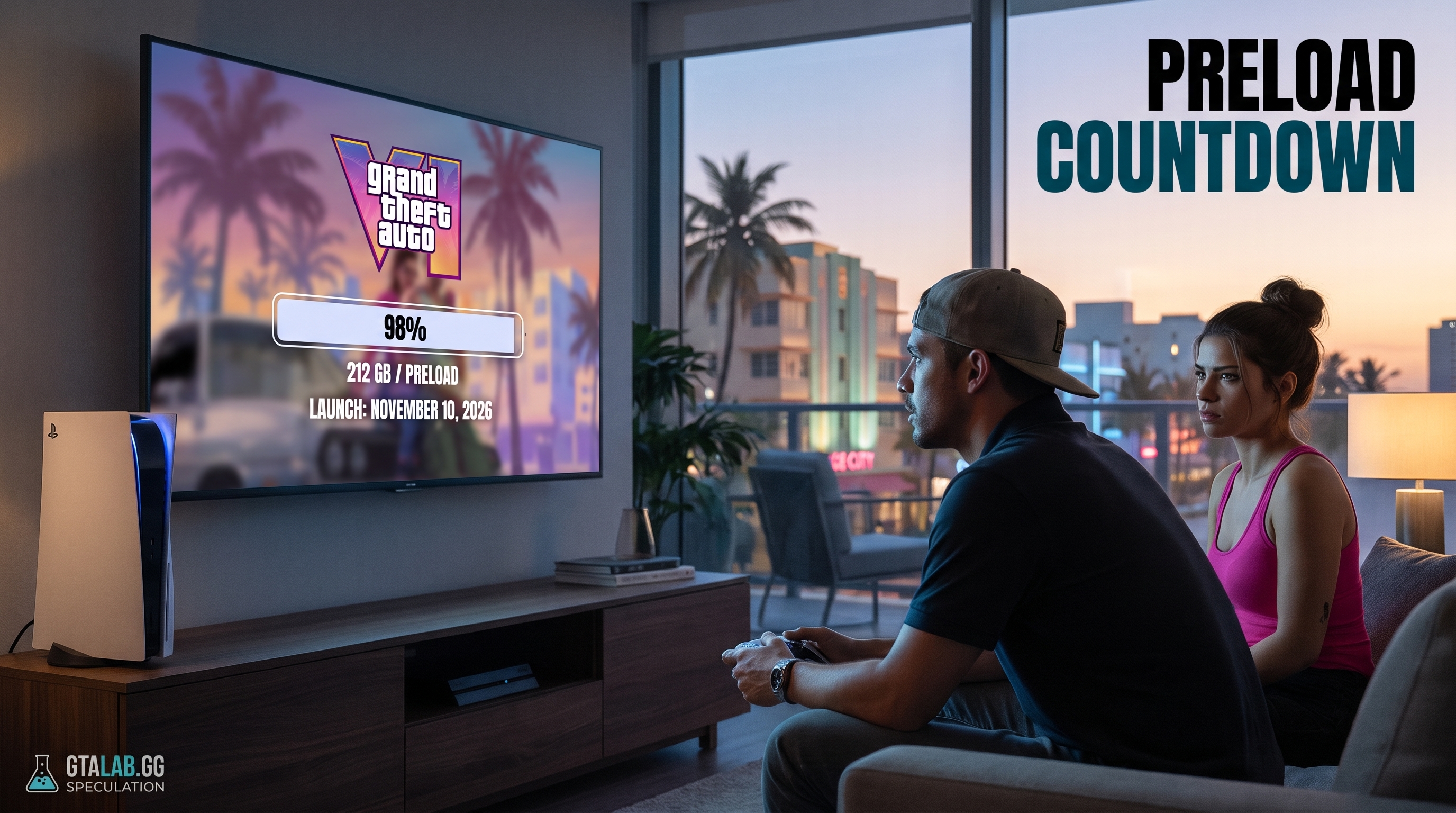
Both platforms open preloading on November 10, 2026, but the clock ticks differently depending on where you are and what box sits under your TV.
PlayStation 5: Midnight, Wherever You Are
Sony's preload rolls out at midnight local time on November 10. That means the download queue opens based on your console's region setting — no mental math required. If you pre-ordered digitally through the PlayStation Store, the download should trigger automatically as long as your PS5 is connected and automatic downloads are enabled in settings.
Xbox Series X|S: One Global Countdown
Microsoft does things differently. Xbox preloads drop at a single global moment: 12:00 a.m. GMT on November 10. For U.S. players, that translates to:
| Time Zone | Preload Unlocks | Date |
|---|---|---|
| Eastern (EST) | 7:00 p.m. | November 9 |
| Central (CST) | 6:00 p.m. | November 9 |
| Mountain (MST) | 5:00 p.m. | November 9 |
| Pacific (PST) | 4:00 p.m. | November 9 |
| GMT (UK) | 12:00 a.m. | November 10 |
| CET (Central Europe) | 1:00 a.m. | November 10 |
Xbox players in the U.S. effectively get a head start — the preload queue opens the evening of November 9. Set a reminder.
GTA 6 File Size: 212GB, Confirmed
212 gigabytes. That is the confirmed GTA 6 download size for both PS5 and Xbox Series X|S, now officially verified by Rockstar. To put that number in context: 212GB is roughly one-third of a standard 660GB usable PS5 internal drive. It is the largest day-one console download in Rockstar's history by a significant margin.
The figure was first circulated via social media accounts last week and has since been confirmed through official channels. It is real. Plan accordingly.
How Much Total Storage Do You Actually Need?
Here is the part most guides skip. 212GB is the installed game size, not the total space the console needs to complete the installation. Both PS5 and Xbox Series X|S require additional buffer space for temporary decompression and patch files during the install process. Budget an extra 15–25GB (est.) on top of the base figure.
Practical target: 235–240GB of free space before you start the download. If you are sitting below that threshold right now, the section below is for you.
How to Free Up Space on PS5
- Go to Settings → Storage → Console Storage and sort games by size. Delete anything you have not touched in three months — PS Plus lets you re-download at any time.
- Move compatible PS4 titles to an external USB drive. PS4 games run from USB; PS5 games do not, but clearing PS4 installs reclaims internal space.
- Check Saved Data and Game/App Settings → Saved Data (PS5) → Delete for large save files from games you no longer play.
- If you own a PS5 with an M.2 expansion slot and are routinely low on space, now is the time to fit one. A 2TB PCIe Gen 4 M.2 drive runs around $80–$120 (est.) and effectively doubles your usable storage.
How to Free Up Space on Xbox Series X|S
- Navigate to My games & apps → See all → Manage and filter by install size. Uninstall titles you have finished.
- Move games you play occasionally to an external USB 3.0 drive. Series X|S optimised titles must run from internal or Seagate Expansion Card storage, but older Xbox One titles are fine on USB.
- Check for queued updates and cancel any for games you no longer play — these consume space while pending.
- The Seagate Storage Expansion Card (1TB or 2TB) remains the cleanest solution for Xbox users who regularly juggle large game libraries.
Does Preloading Give You Early Access?
No. Full stop.
Preloading downloads the files to your drive in advance. The game remains locked until Rockstar flips the global unlock switch on November 19, 2026. No amount of regional trickery or VPN-switching will change that — Rockstar enforces a server-side lock. Treat any claim of early access as false until it traces back to an official Rockstar announcement.
What About Physical / Disc Copies?
If you pre-ordered a physical edition, the disc contains a portion of the game data, but a mandatory additional download will still be required. The exact size of the disc-to-digital delta is unconfirmed at this writing, but given the 212GB total footprint, expect a substantial patch regardless of edition. Physical buyers should still clear at least 212GB of free space before launch day.
One confirmed note for physical buyers: the physical map is not included in boxed copies. It is available separately, but it will not be in the box you open on launch day.
Launch Day Unlock Times
Preload and launch are two different events. The November 19 global release schedule has not been announced in full at this time (est. — Rockstar typically confirms unlock times 48–72 hours before launch). Watch for an official Rockstar Newswire post in the days before November 19 for region-by-region unlock times.
What we know: PS5 historically follows a regional rolling unlock (midnight local), and Xbox follows a single global moment. Expect the same pattern here.
Your Zero-Hour Checklist
- ✅ Pre-order confirmed on your platform's digital store
- ✅ 235–240GB of free space cleared and ready
- ✅ Auto-downloads enabled (PS5: Settings → Saved Data and Game/App Settings → Automatic Downloads; Xbox: Settings → System → Updates)
- ✅ Console set to rest mode (not fully powered off) so the download runs in the background overnight
- ✅ Xbox preload reminder set for the evening of November 9 (U.S. players)
- ✅ Day-one patch — budget time for it; a game this size will ship with an additional update on launch day
- ✅ Rockstar Newswire bookmarked for unlock-time confirmation closer to November 19
FAQ
Q. When does the GTA 6 preload start? The GTA 6 preload begins on November 10, 2026. On PS5, it opens at midnight local time. On Xbox Series X|S, it unlocks at 12:00 a.m. GMT — which is the evening of November 9 for U.S. players (7 p.m. EST, 4 p.m. PST).
Q. What is the GTA 6 file size / download size? Rockstar has confirmed the GTA 6 file size is 212GB on both PS5 and Xbox Series X|S. Budget an extra 15–25GB for temporary install files, so aim for at least 235GB of free storage before you start.
Q. Does preloading GTA 6 give you early access? No. The files download in advance, but the game is server-locked until the official global launch on November 19, 2026. Early-access claims circulating online are false.
Q. Do physical disc buyers still need to download GTA 6? Yes. Even with a disc, a mandatory additional download is required. Clear at least 212GB of free space regardless of which edition you bought.
Q. How do I make sure my GTA 6 preload downloads automatically? On PS5, enable automatic downloads under Settings → Saved Data and Game/App Settings. On Xbox, go to Settings → System → Updates and enable automatic downloads. Keep your console in rest/standby mode — not fully powered off — so the download runs overnight.