
Xbox One was never going to get a native GTA 6 disc or digital release. Microsoft and Rockstar drew that line early. But on November 19, 2026 — the same day GTA 6 launched on Xbox Series X|S and PS5 — Xbox One players got a path in anyway, through Xbox Cloud Gaming. That's the honest answer up front: you can play GTA 6 on Xbox One, but not the way you might expect, and not for free.
Here's exactly how it works, what it costs, and whether the experience holds up.
Why Xbox One Didn't Get a Native Release
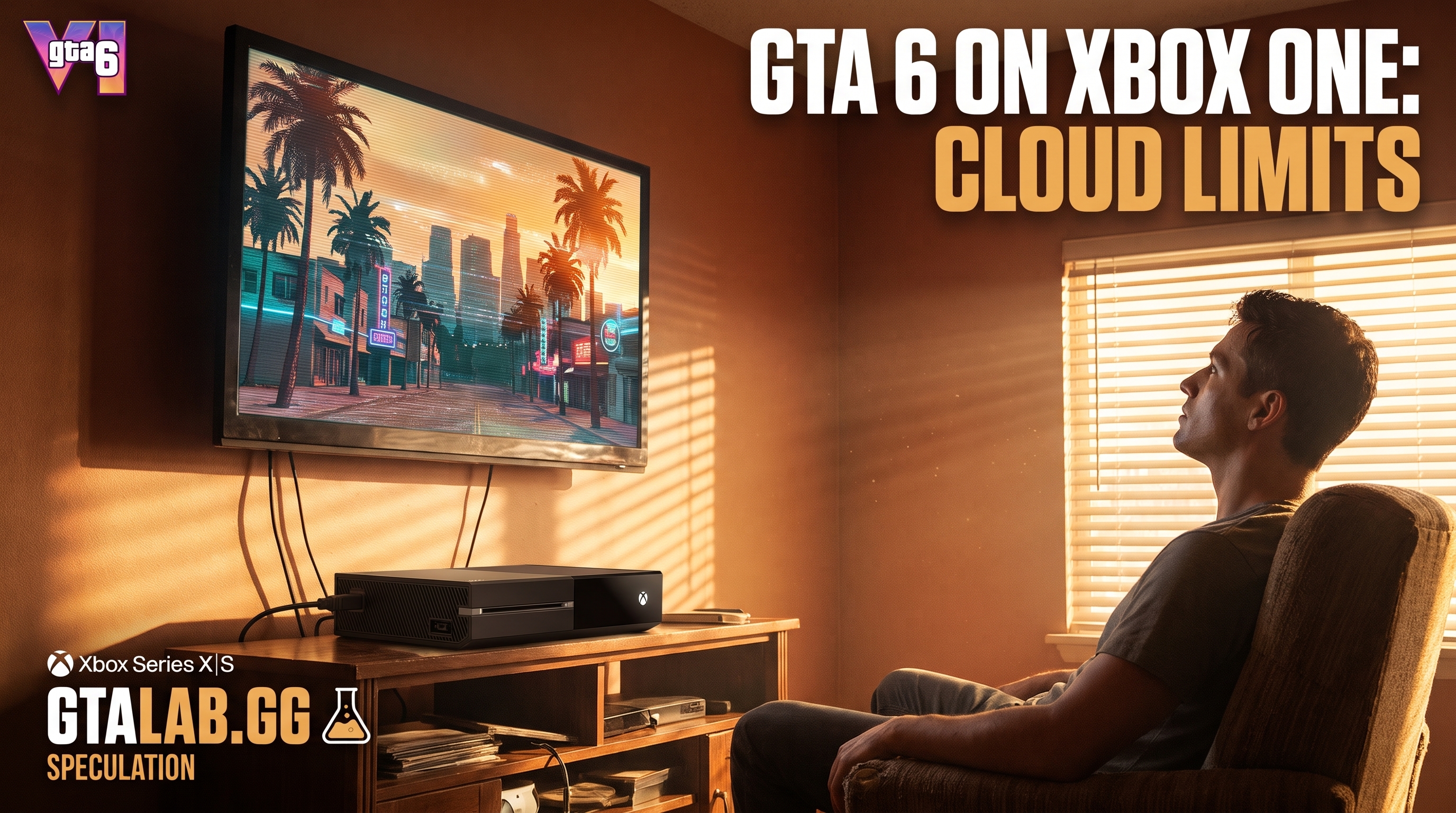
GTA 6 was built from the ground up for current-generation hardware. The Xbox Series X|S and PS5 architectures — fast NVMe SSDs, modern GPUs, expanded RAM — are prerequisites for the game's open world density and streaming tech. Xbox One simply can't run it natively. Microsoft confirmed no disc or digital download version exists for the older console, full stop.
What changed the equation was Xbox Cloud Gaming. Rather than porting the game down, Microsoft streams it from cloud servers running Xbox Series S-equivalent hardware and delivers the output to any supported device. Xbox One becomes a display terminal, not a local compute unit.
How the Cloud Version Actually Works
The cloud stream went live at 1:00 AM ET on November 19, 2026 — simultaneous with the global launch. No separate wait, no staggered rollout for cloud players. If you had everything set up, you were in at the same time as everyone on a Series X.
The game runs on Xbox Series S graphics settings server-side. That means every Xbox One player streaming GTA 6 is getting the Series S visual profile, not the Series X one. In practice:
- Resolution is lower than Series X (Series S targets 1080p in many titles vs. 4K on Series X)
- Draw distances are reduced compared to the high-end console version
- Some high-fidelity visual features — ray tracing, high-res shadows, dense NPC crowds — are dialed back
- Frame rate targets mirror Series S, typically 30 fps in quality modes
On top of the Series S ceiling, you then have streaming compression. Video encoding introduces additional softness and occasional artifacting during fast movement or high-contrast scenes. Early impressions from Xbox One players who went hands-on at launch described the experience as "better than expected" — but universally noted that high-speed chases and dense city blocks showed the limits most clearly.
What You Actually Need to Pay
This is where it gets granular, and where most headlines skip the important part.
Step 1: Buy the Game
Cloud Gaming does not make GTA 6 free. You must own a copy of the game — digital purchase — before you can stream it. The cloud is a delivery mechanism, not a subscription library entry. As of launch, GTA 6 is not included in any Game Pass tier's game catalog.
Step 2: Add Cloud Playtime
Owning the game is necessary but not sufficient. Microsoft requires a Cloud Playtime allocation on your account to stream. You get this in one of two ways:
| Method | Included Cloud Hours/Month | Notes |
|---|---|---|
| Game Pass Essential | 5 hours | Lowest tier, hours burn fast |
| Game Pass Premium | 10 hours | Mid tier |
| Game Pass Ultimate | 15 hours | Best included value |
| Cloud Playtime (standalone) | Purchased separately | No Game Pass required |
Once your included hours run out, the session ends. You can purchase additional Cloud Playtime on top of your subscription allowance. For heavy players — GTA 6 is not a short game — 15 hours a month is a meaningful constraint. At that pace, the monthly cost of Cloud Playtime starts to look different when you run the numbers against what a Series S costs in 2026.
Internet Requirements: What You Need at Home
Xbox Cloud Gaming has published minimum connection specs, and GTA 6's fast-paced open world makes the lower end feel it:
- Minimum: 10 Mbps download — expect visible compression and input lag
- Recommended: 20–40 Mbps for a stable experience
- Ideal: 40 Mbps+ with low latency (<30ms to Microsoft's data centers), wired or strong 5 GHz Wi-Fi
Latency matters more than raw bandwidth for GTA 6 specifically. Driving at speed, shootouts, and pursuit sequences are the moments where input delay becomes noticeable. Players on stable 50 Mbps connections with wired Ethernet reported playable, enjoyable sessions. Players on shared household Wi-Fi or congested networks reported the experience degrading in exactly those action-heavy moments.
The honest assessment: if your connection is marginal, GTA 6 is one of the worst candidates for cloud streaming. The game's complexity punishes latency harder than a turn-based RPG would.
Is GTA 6 Cloud Gaming on Series X|S Worth It Too?
Xbox Series X and S owners can also stream GTA 6 via Cloud Gaming — but this is almost never the right choice for them. Local play on Series X delivers the full visual profile, zero compression, and no hour cap. Cloud Gaming on current-gen hardware is primarily useful as a backup if you're away from your console and want to continue a session on another screen.
One confirmed limitation across all platforms: GTA 6 cloud streaming is currently restricted to Xbox consoles. PC and smart TV access via the Xbox Cloud Gaming app is not supported at launch. This matters if you were expecting to stream to a laptop or a TV stick — that path is closed for now.
The Real Cost-Benefit Question for Xbox One Owners
Let's be direct about the math. To play GTA 6 on Xbox One via cloud you need:
- A digital copy of GTA 6 (confirmed launch price: $80 USD)
- A Game Pass subscription with Cloud Playtime, or standalone Cloud Playtime hours
- A reliable internet connection of 20 Mbps or better
At Game Pass Ultimate pricing plus the $80 game cost, a player spending 15 hours a month on cloud access is paying a meaningful per-hour premium compared to owning a Series S and playing natively. The cloud option makes real sense in specific situations: you already have Game Pass Ultimate, you're not a heavy GTA player, or you want access on day one while waiting to upgrade hardware.
For players who plan to put 200+ hours into GTA 6 and GTA Online, a Series S purchase starts looking economical faster than the cloud math suggests.
Early Impressions: What Xbox One Players Are Actually Saying
Post-launch reports from Xbox One cloud players who went public with their experiences landed in a narrower range than the skeptics predicted. The consensus:
- Exploration and story missions held up well — open-world traversal at moderate pace translated cleanly
- High-speed sequences and dense combat showed compression artifacts and occasional input lag spikes
- Visual fidelity was clearly below what Series X owners described, but playable and recognizably GTA 6
- Load times were longer than local Series X play, with occasional mid-session hiccups
The Windows Central summary put it cleanly: "Keep your expectations in check. This is an incredibly detailed game with a lot of fast action moments, and the cloud will reduce the quality of some of those." That's accurate. It's not a broken experience. It's a compromised one — and knowing that going in is the difference between being pleasantly surprised and frustrated.
Bottom Line
GTA 6 Xbox Cloud Gaming is a genuine option for Xbox One players, not a gimmick. Microsoft delivered on the same-day launch promise. But it comes with a hardware ceiling (Series S graphics, not Series X), a streaming layer on top of that, an hourly cap tied to your subscription tier, and an $80 game purchase requirement before any of it applies. Go in with clear eyes, make sure your connection is solid, and you'll have a real shot at GTA 6 on hardware that was never supposed to run it.
FAQ
Q. Can Xbox One play GTA 6 natively? No. There is no native disc or digital version of GTA 6 for Xbox One. The only way to play it on Xbox One is through Xbox Cloud Gaming, which streams the game from Microsoft's servers.
Q. Is GTA 6 included with Xbox Game Pass? No. As of launch, GTA 6 is not part of the Game Pass game catalog. You must purchase the game separately (confirmed at $80 USD) in addition to having a Cloud Playtime allocation on your account.
Q. What graphics settings does GTA 6 use on Xbox Cloud Gaming? The cloud version runs on Xbox Series S graphics settings server-side. That means lower resolutions, reduced draw distances, and fewer high-end visual effects compared to the Series X version — before streaming compression is added on top.
Q. How many cloud streaming hours do I get with Game Pass? Game Pass Essential includes 5 hours per month, Game Pass Premium includes 10 hours, and Game Pass Ultimate includes 15 hours. Additional Cloud Playtime can be purchased separately once included hours are used up.
Q. Can I stream GTA 6 to a PC or smart TV via Xbox Cloud Gaming? No, not at launch. GTA 6 cloud streaming is currently limited to Xbox consoles only. PC and smart TV access through the Xbox Cloud Gaming app is not supported at this time.